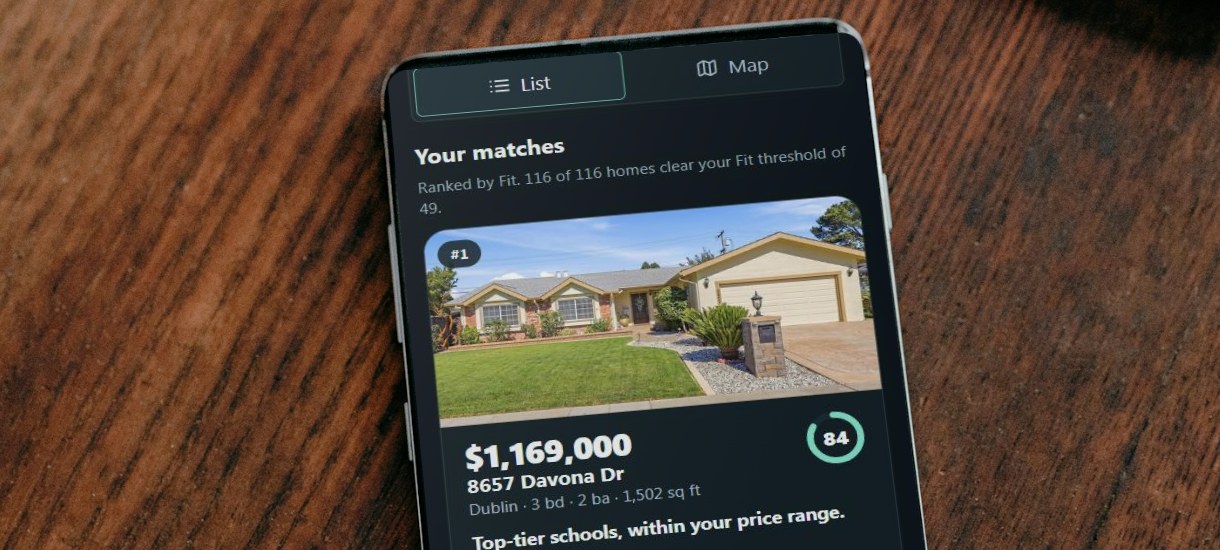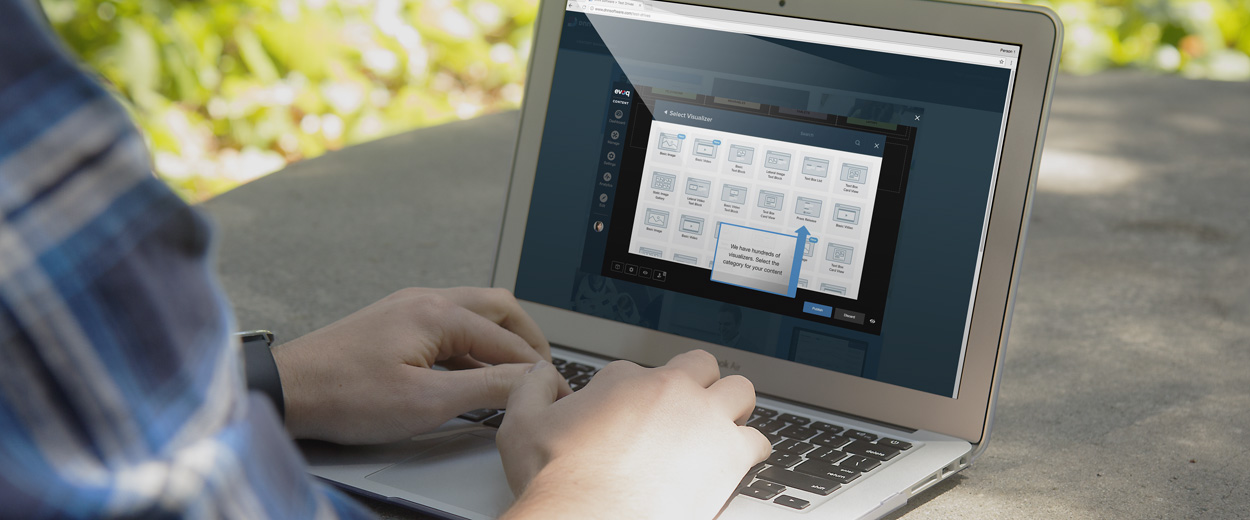
Test Drives
Website Development
Project Description
- Turned ideas into tools for sales and client education.
- Created interactive websites, focusing on seamless user experience and cohesive design.
- Conducted extensive testing to ensure consistency across 30+ Test Drives on various devices and platforms.
Tools
- HTML
- CSS
- JS/jQuery
- Photoshop
- After Effects
- Xcode
Launch Website
Visit Site (opens in a new tab)Case Study
Problem
The sales team required a rapid method for delivering interactive product demos to clients, while the development team sought visually appealing and uniform website animations.
Solution
A collection of easily shareable interactive websites showcasing new features in practical use.
Initial Steps
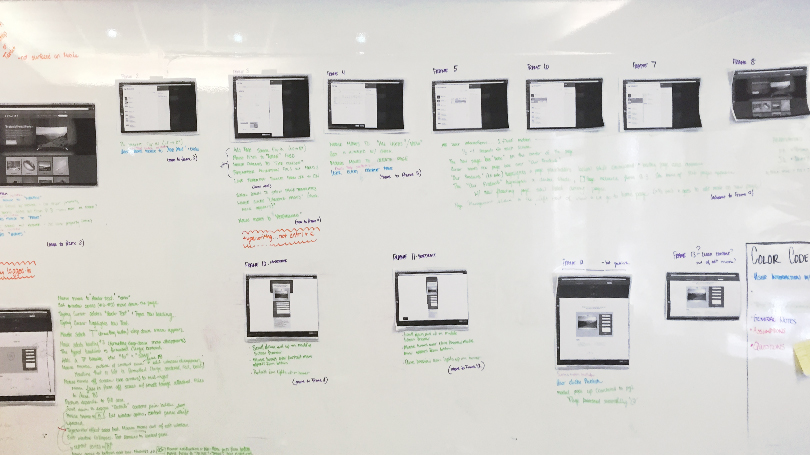
As a team, we initiated the project on a whiteboard, sketching ideas and creating rough storyboards. The whiteboard facilitated seamless sharing and discussion of concepts, enabling rapid feedback.
Research
Following initial brainstorming with the team, I researched available website tutorial software. After evaluating various jQuery plugins, I opted for Power Tour due to its robust features and comprehensive documentation. To familiarize myself with the plugin, I developed interactive prototypes.
Prototype
We experimented with various methods to capture the user's attention in the guided product tour, exploring options like shaking and pulsing. Unsatisfied, we continued searching, aiming to understand what worked and what didn't. Ultimately, we chose a stylized caption box with an arrow, providing clear guidance on what to interact with next.
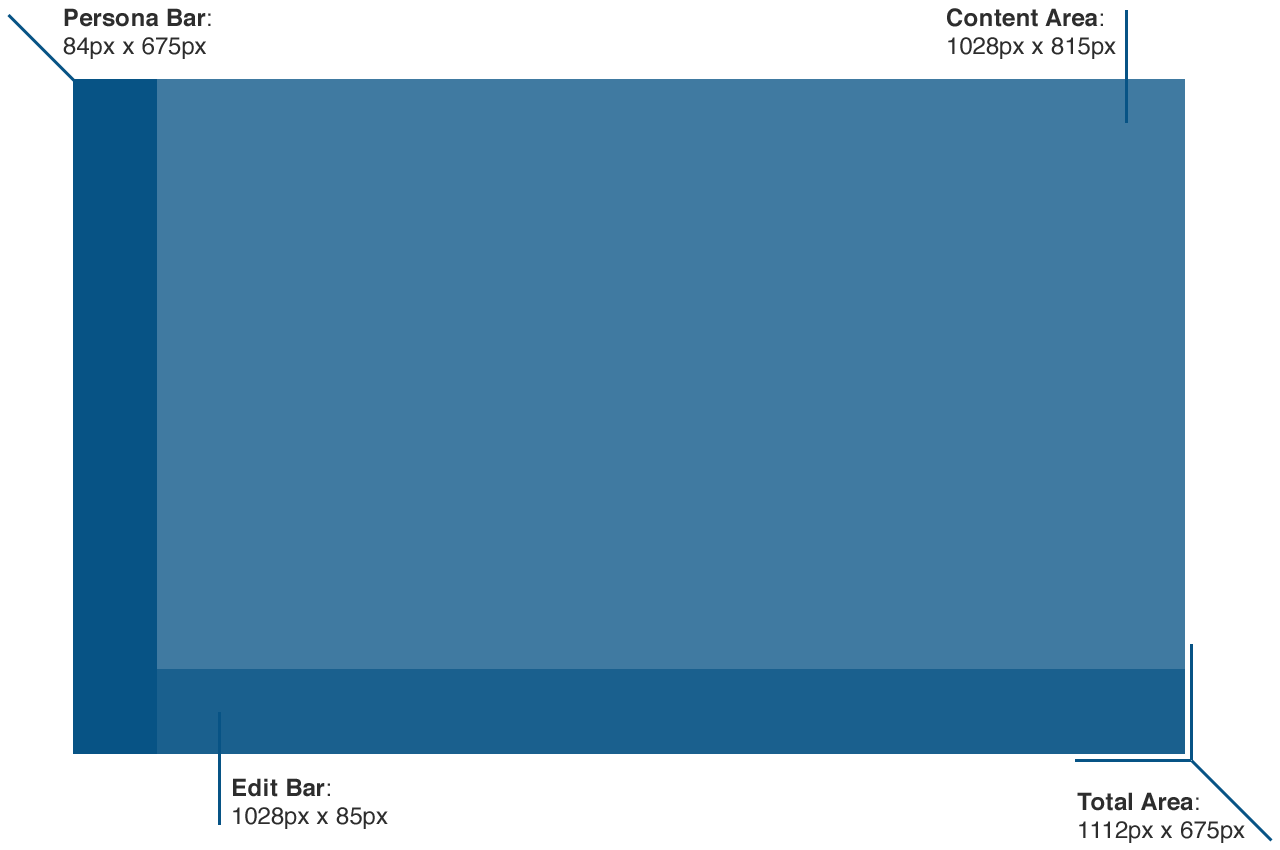
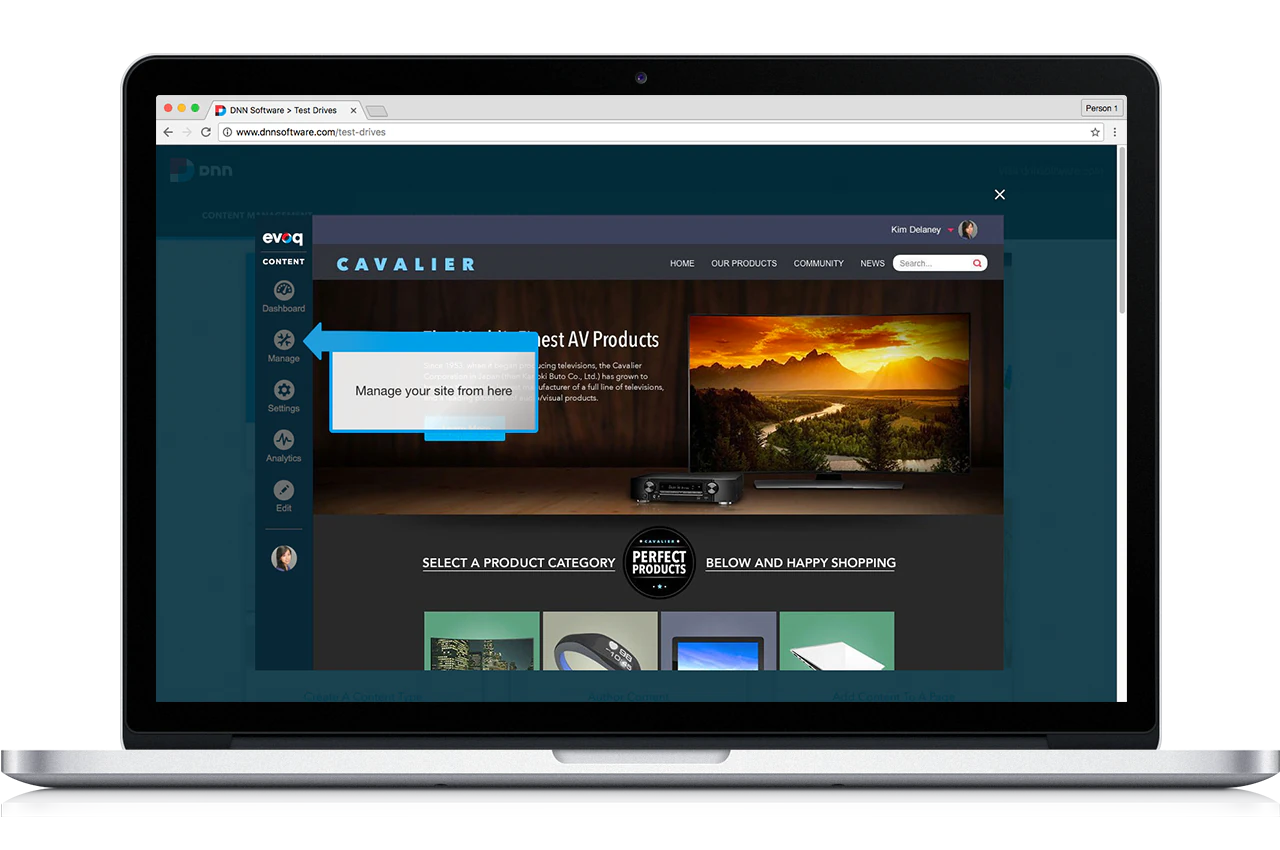
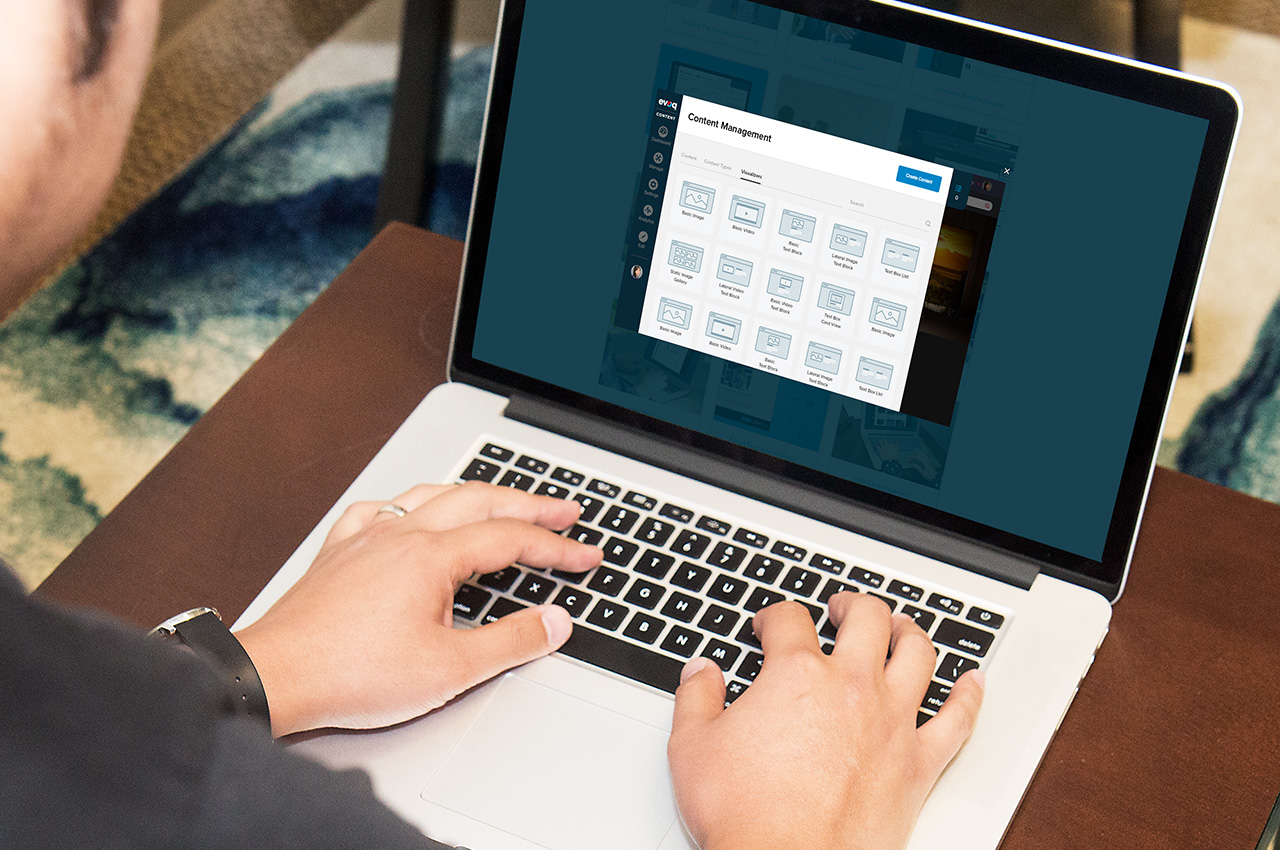
Maintaining a high level of consistency across 30+ Test Drives was crucial. We established design patterns and implemented development standards to ensure uniformity. Collaborating with another developer, we further refined this process, enhancing the efficiency of Test Drive development and maintenance.
Minimizing development time was crucial, aiming to provide the sales team with a diverse library of features for client demos. To boost efficiency, I devised a blank Test Drive template, enabling rapid creation of new Test Drives.
Feedback & Execution
User testing provided valuable feedback for enhancing the design and interactions of the Test Drives as well as the overall product. The ability to swiftly modify user interface elements and develop website animations proved crucial in the iterative process of creating effective Test Drives.
Testing
Cross-platform and device testing guaranteed a consistent user experience across all devices. For mobile users, we implemented a video fallback option, allowing them to effortlessly watch without interactive engagement on their phones.
Maintenance
Given the need for a substantial number of Test Drives and a tight deadline, we required clean, easily locatable code for swift modifications. Managing hundreds of images and files, maintaining a well-organized file structure was crucial for efficiency.